
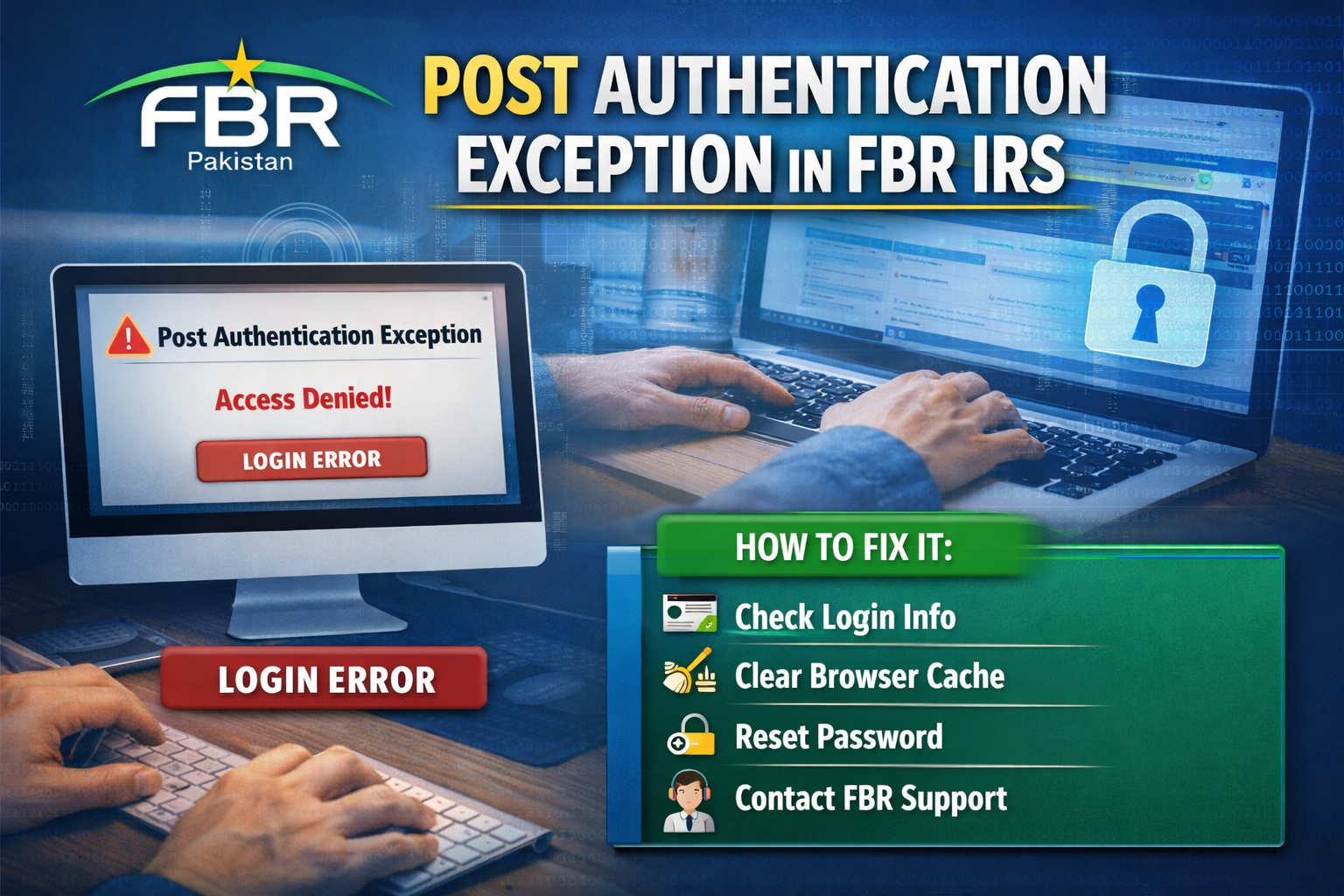

A Post Authentication Exception occurs when taxpayers cannot complete certain actions on the FBR IRS portal, even after entering correct login credentials. This error usually appears during login, tax return filing, or accessing account services, and is a sign of authentication failure after initial login.
Common Causes of Post Authentication Exception
-
Incorrect or Outdated Credentials
-
Using old passwords or usernames can trigger authentication errors.
-
-
Inactive or Blocked Account
-
Accounts with pending verification, non-filer status, or restrictions may face this issue.
-
-
Technical Issues on FBR IRS Portal
-
Browser compatibility, session timeouts, or server downtime can cause authentication failures.
-
-
Expired Digital Certificates
-
Taxpayers using digital signatures may see errors if their certificate is expired or invalid.
-
-
Multiple Sessions or Timeout Issues
-
Logging in from multiple devices or leaving sessions idle can disrupt authentication.
-
How to Fix Post Authentication Exception
-
Verify Your Credentials
-
Ensure the correct username, password, and CNIC are used.
-
-
Clear Browser Cache or Use a Different Browser
-
Recommended browsers: Chrome, Firefox, Edge.
-
-
Reset Your Password
-
Use the FBR password reset option if login issues persist.
-
-
Check Account Status
-
Ensure your taxpayer account is active and not blocked.
-
-
Update Digital Certificates
-
Make sure e-certificates or digital signatures are valid and installed correctly.
-
-
Contact FBR Support
-
Reach out to the FBR helpline or visit a tax facilitation center for unresolved issues.
-
Tips to Avoid Post Authentication Exceptions
-
Update passwords regularly.
-
Use browsers compatible with the IRS portal.
-
Avoid simultaneous logins from multiple devices.
-
Keep digital certificates valid and up-to-date.
-
Monitor your active taxpayer status to prevent account blocks.
Conclusion
A Post Authentication Exception in FBR IRS can be resolved with simple steps like updating credentials, clearing cache, or verifying account status. Staying proactive and following FBR portal best practices ensures smooth login and hassle-free tax filing.
For persistent issues, consulting professional tax consultants can help resolve authentication errors quickly and ensure compliance with FBR requirements.