
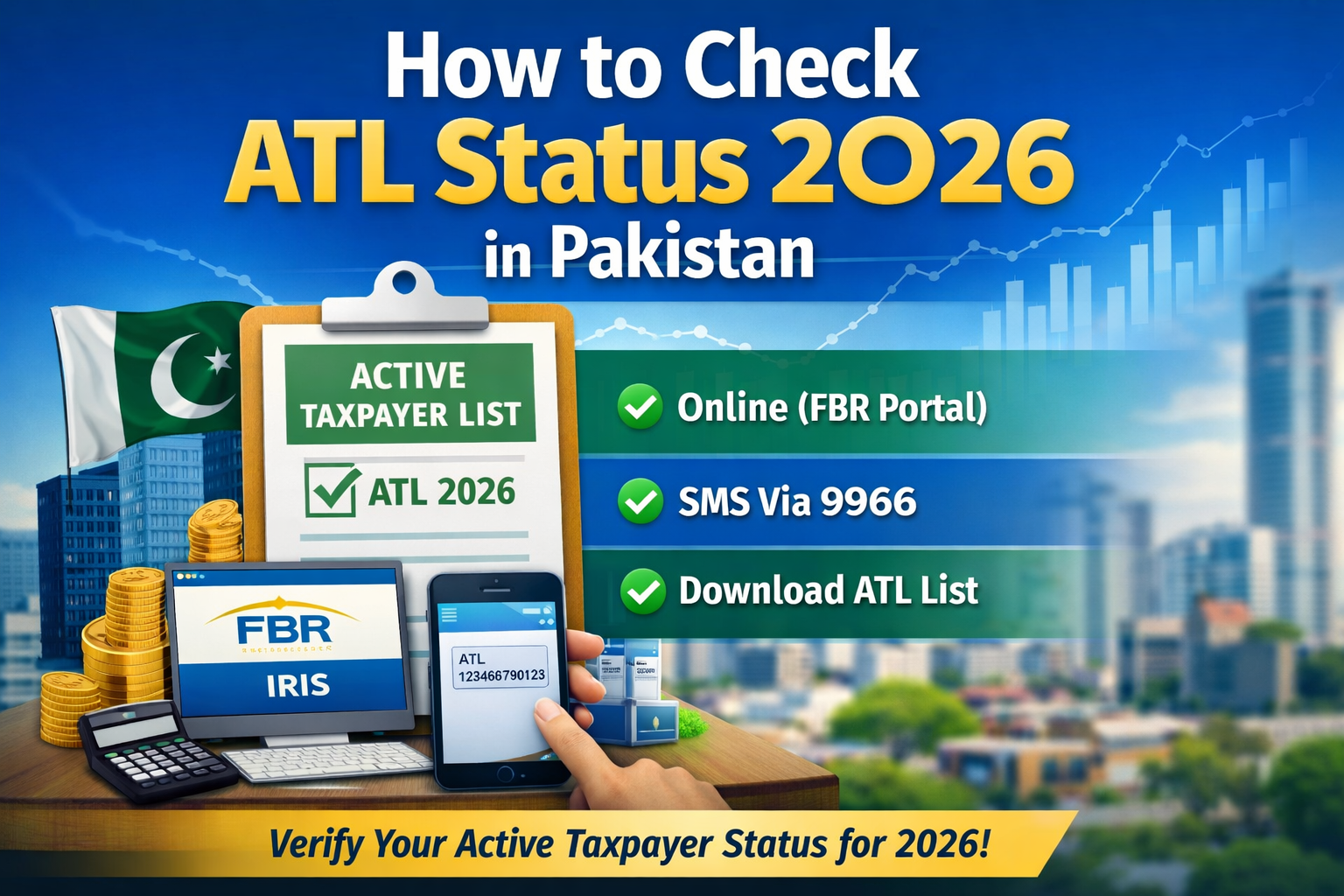

In Pakistan, your ATL status — Active Taxpayer List status — shows whether you’re included in the list of taxpayers who have filed their Income Tax Return correctly and on time. Being on the ATL gives you tax benefits like lower withholding tax on bank transactions, reduced rates on property transactions, and easier compliance with financial institutions.
This article explains step-by-step how to check your ATL status in 2026 using all available methods.
1. What is ATL (Active Taxpayer List)?
The Active Taxpayer List (ATL) is a record published and updated by the FBR that includes individuals and businesses who have filed their tax returns for the latest tax year.
• Active – Filed return within the deadline or with any required surcharge (if late).
• Inactive / Non-filer – Did not file, or failed to satisfy conditions.
• Active (Late Filer) – Filed after due date but still listed.
ATL is typically published annually for the tax year, but updates happen regularly (weekly or daily depending on FBR policies).
2. Why Checking ATL Status Matters
Being on the ATL can affect:
-
Bank transactions (lower tax rates).
-
Vehicle registration fees.
-
Property and asset transfers.
-
Government tender eligibility.
-
Visa and document processing in some cases.
3. Methods to Check ATL Status in 2026
There are three main ways to check your ATL status:
A. Online (FBR / IRIS Portal)
You can verify your ATL status using the FBR’s online verification portal or the IRIS system:
-
Go to the FBR Online Verification / IRIS Portal on the FBR website.
-
Navigate to the Active Taxpayer List (Income Tax) section.
-
Choose a Parameter Type:
-
CNIC (for individuals)
-
NTN (for companies/AOPs)
-
Passport No. (where applicable)
-
-
Enter your CNIC or NTN (without dashes).
-
Enter the CAPTCHA to verify you’re human.
-
Click Verify to see your ATL status on screen.
👍 Pro Tip: You can save or print the verification page as PDF for documentation.
B. SMS (Fastest & Easy)
If you don’t want to use the internet, you can check your ATL status by sending an SMS:
For Mainland Pakistan
-
Individual:
ATL <space> 13-digit CNIC→ Send to 9966
Example:ATL 1234567890123 -
Company / AOP:
ATL <space> 7-digit NTN→ Send to 9966
Example:ATL 1234567
For Azad Jammu & Kashmir (AJ&K)
-
Individual:
AJKATL <space> CNIC→ Send to 9966 -
With NTN:
AJKATL <space> 11-digit NTN→ Send to 9966
You’ll receive a response indicating whether you’re Active, Inactive, or Not Found.
C. Download the ATL List
If you want to check manually or offline, you can download the full ATL file from the FBR website:
-
Visit FBR’s ATL download page.
-
Choose the latest ATL file (e.g., Active Taxpayer List (Income Tax)).
-
Download the Excel sheet and search for your CNIC/NTN.
This method is useful for businesses checking many records at once.
4. Common Questions & Tips
💡 “I filed but don’t see my name yet?”
ATL updates periodically. After you file your return, it may take hours or a few days for your status to reflect, especially around filing deadlines.
💡 “I filed late — will I still be on ATL?”
Yes — but you may be flagged as a late filer depending on FBR rules. Late filers are still included but may face higher withholding tax in certain transactions.
💡 “Do I need an NTN to check ATL?”
If you are a business or AOP, your NTN is required. If you’re an individual, your CNIC is enough.
Non-filer? Become an Active Taxpayer today. Qazi Mansoor & Co. offers professional tax return filing at reasonable rates